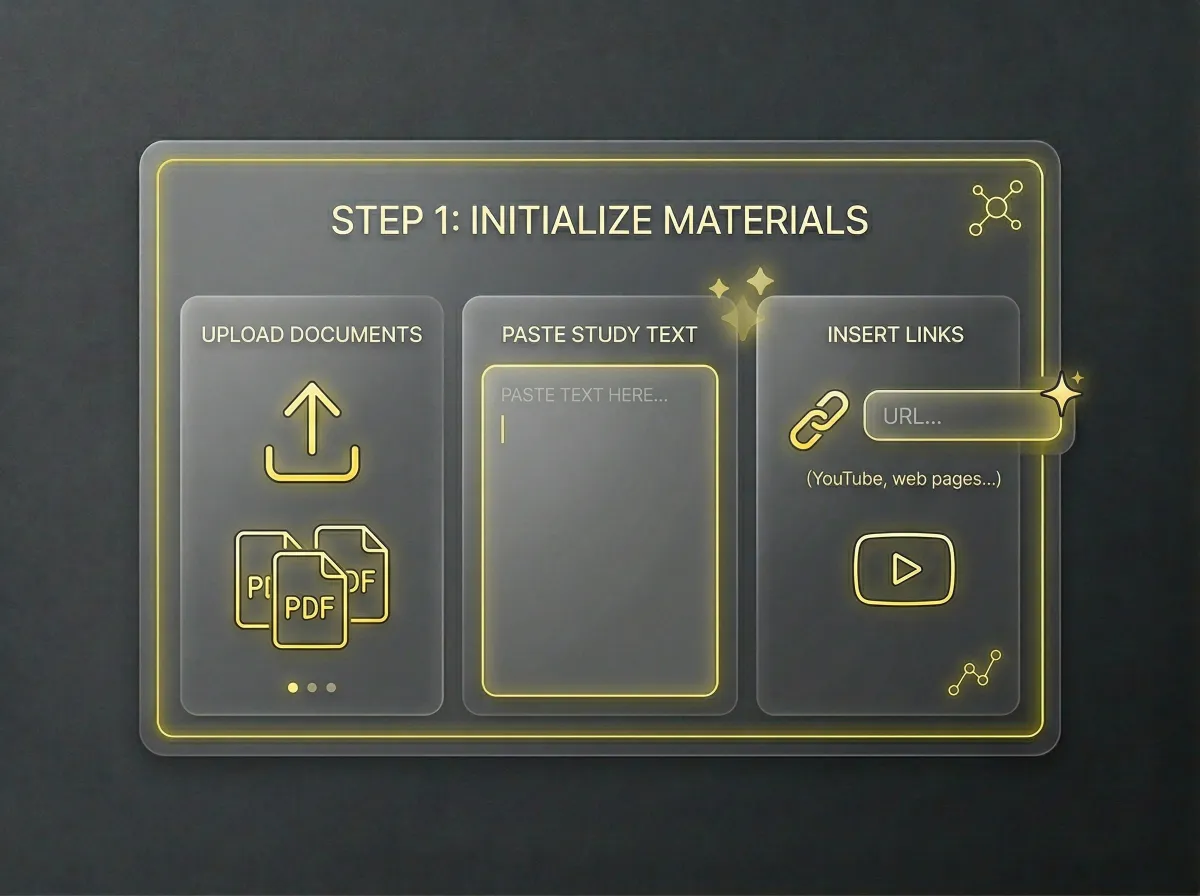
Step 1
Set Up Your Study Materials
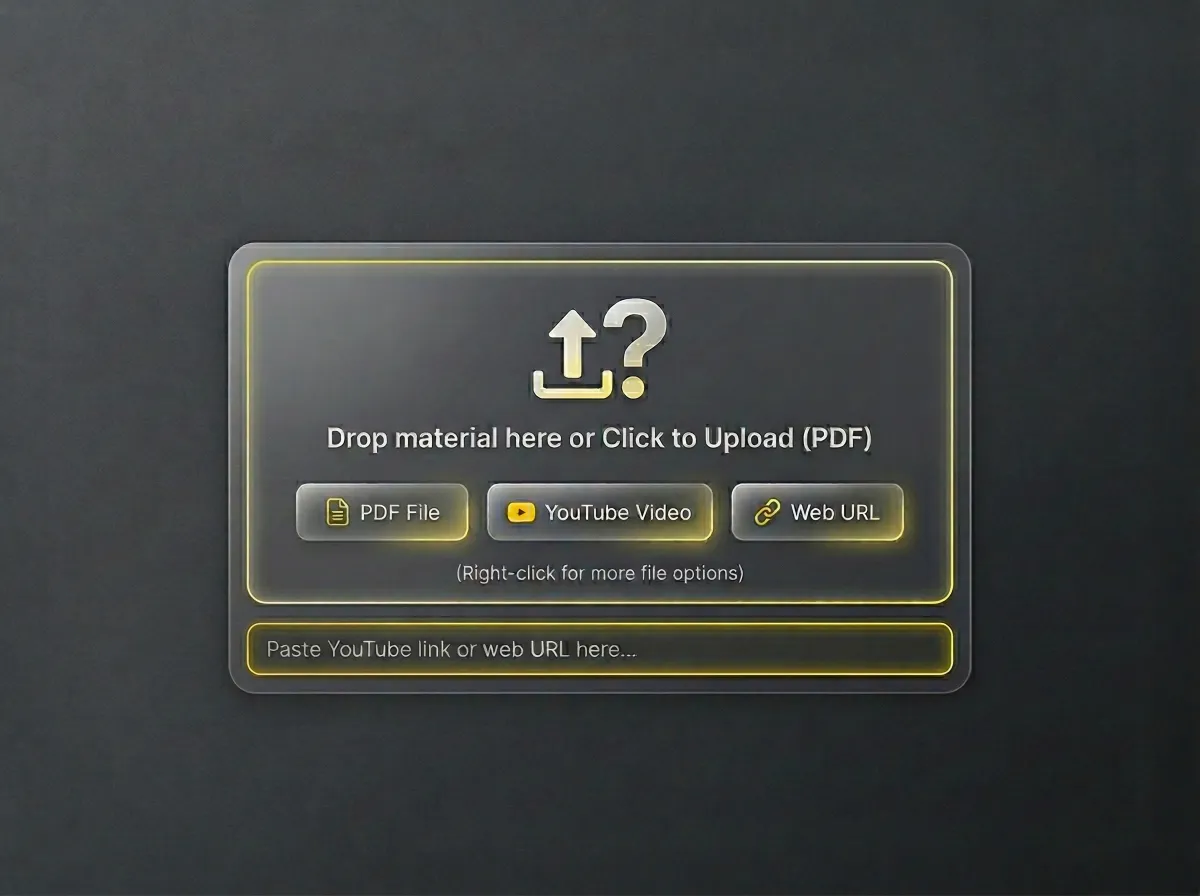
Upload PDFs, paste text, or insert links from YouTube and web pages to provide the AI with source materials.
Boost your study with our Free AI Quiz Generator. Easily turn PDFs, YouTube videos, and text into practice tests with AI analysis and tracking.
Step 1
Upload PDFs, paste text, or insert links from YouTube and web pages to provide the AI with source materials.
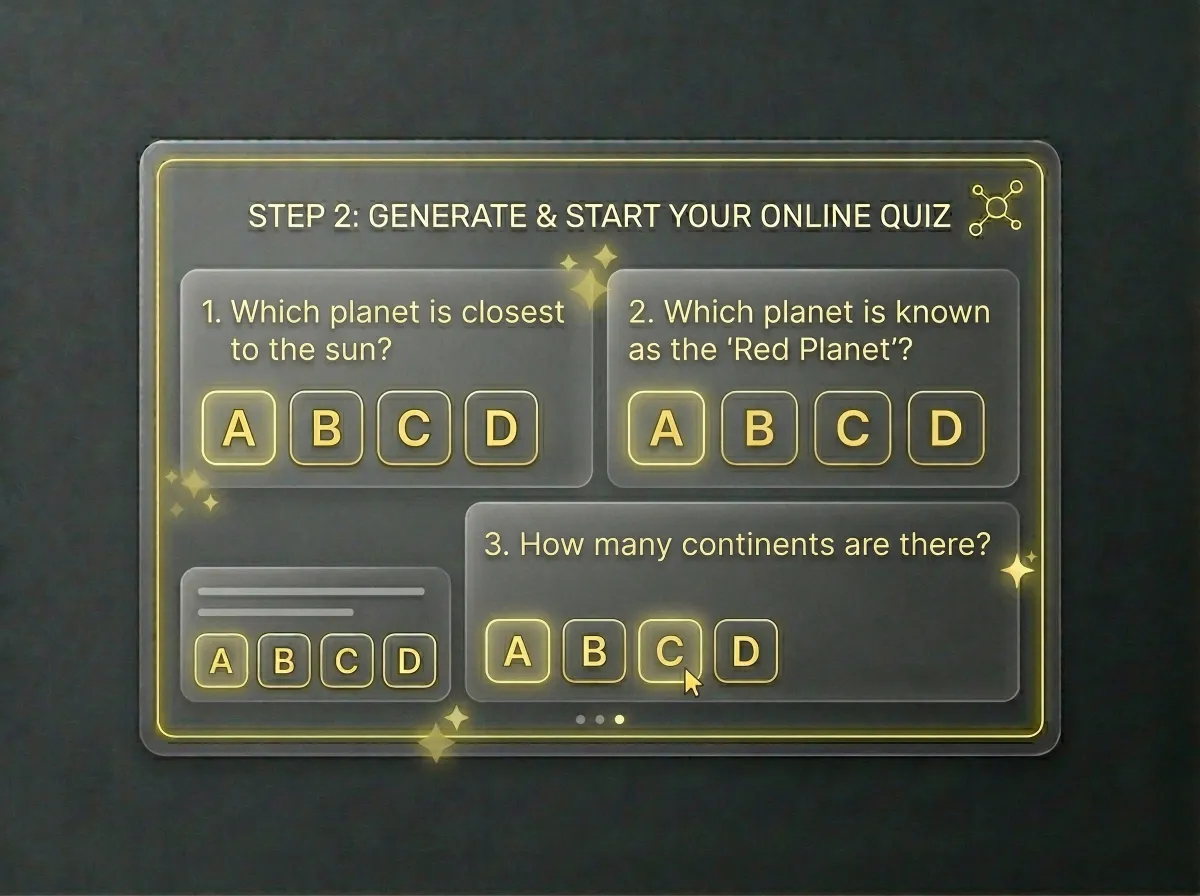
Step 2
Let our AI instantly create custom multiple-choice questions. Test your knowledge with a seamless online experience.
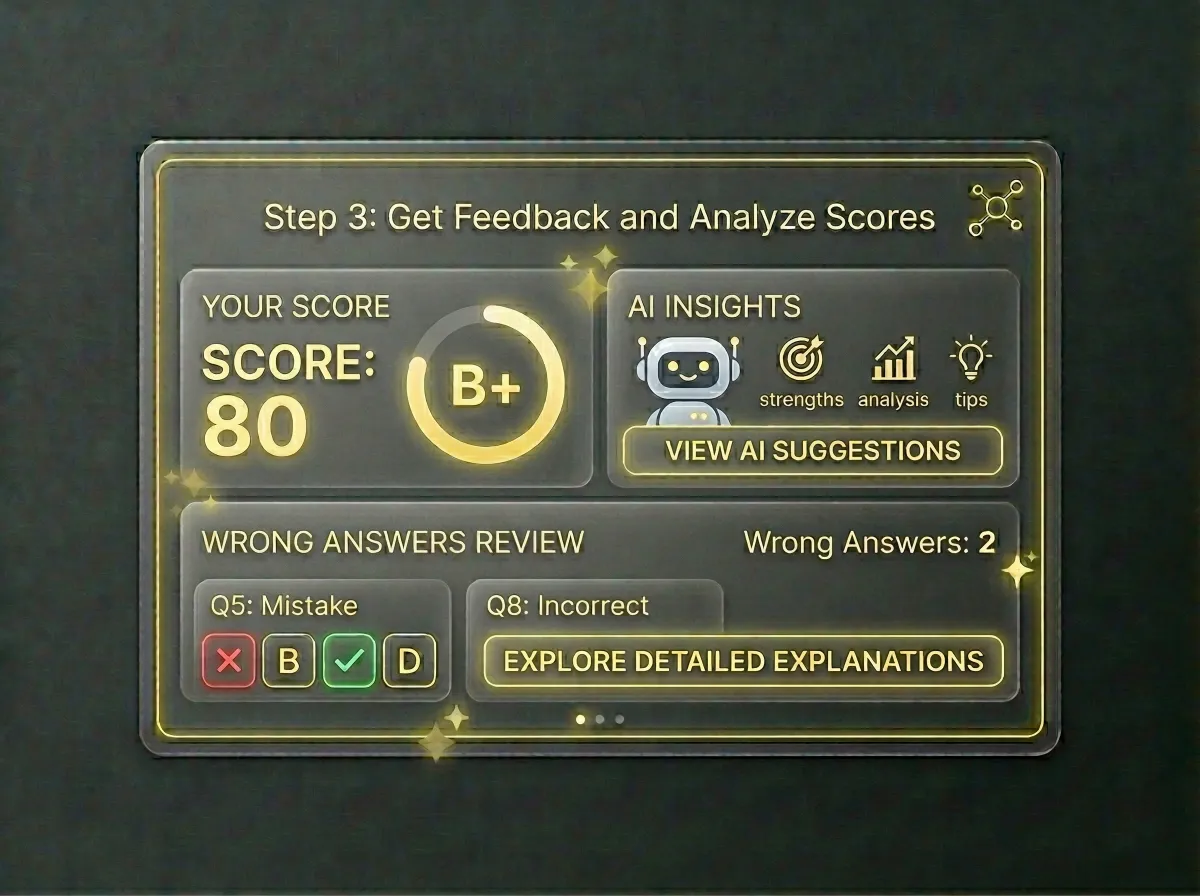
Step 3
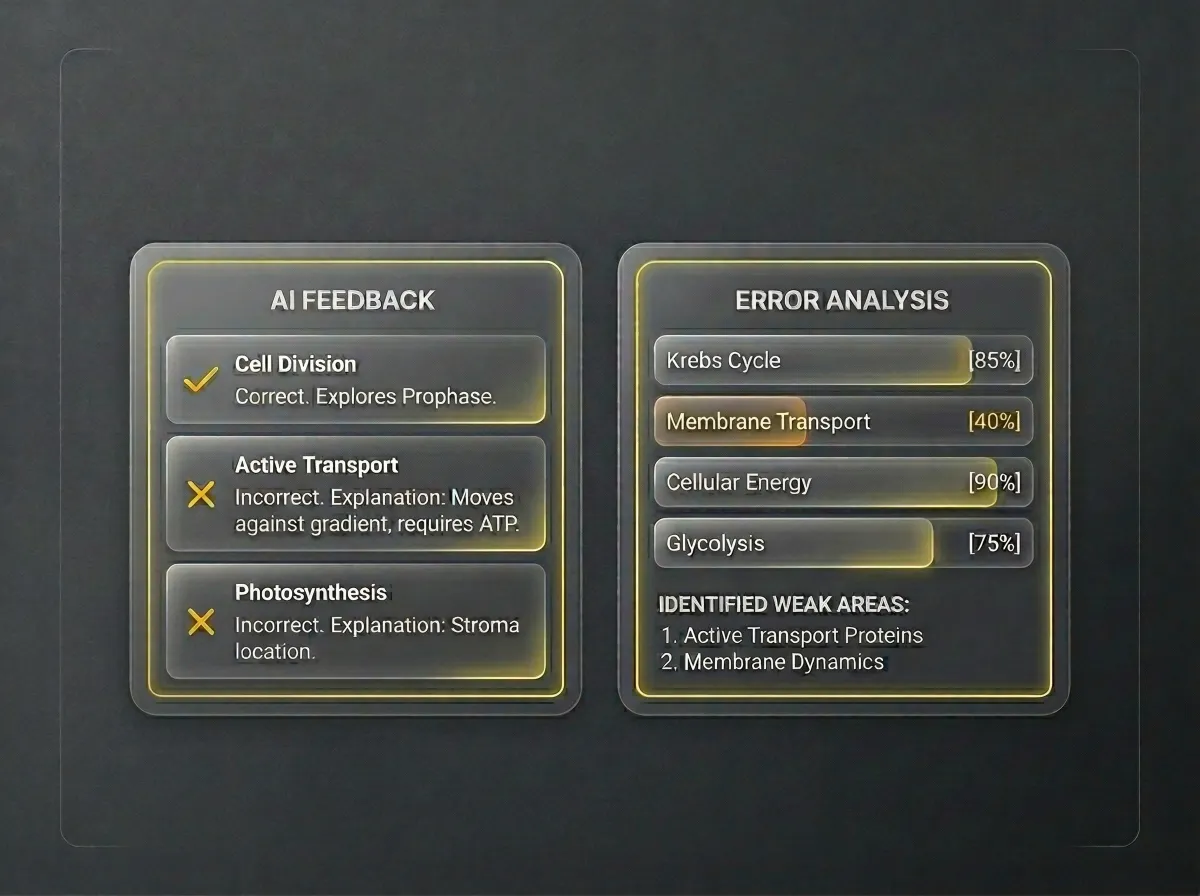
Receive instant grading and AI feedback. Review wrong answers with detailed explanations to improve your learning.
Turn PDFs, YouTube videos, and web URLs into interactive tests. Convert any study material into a customized quiz with one click.
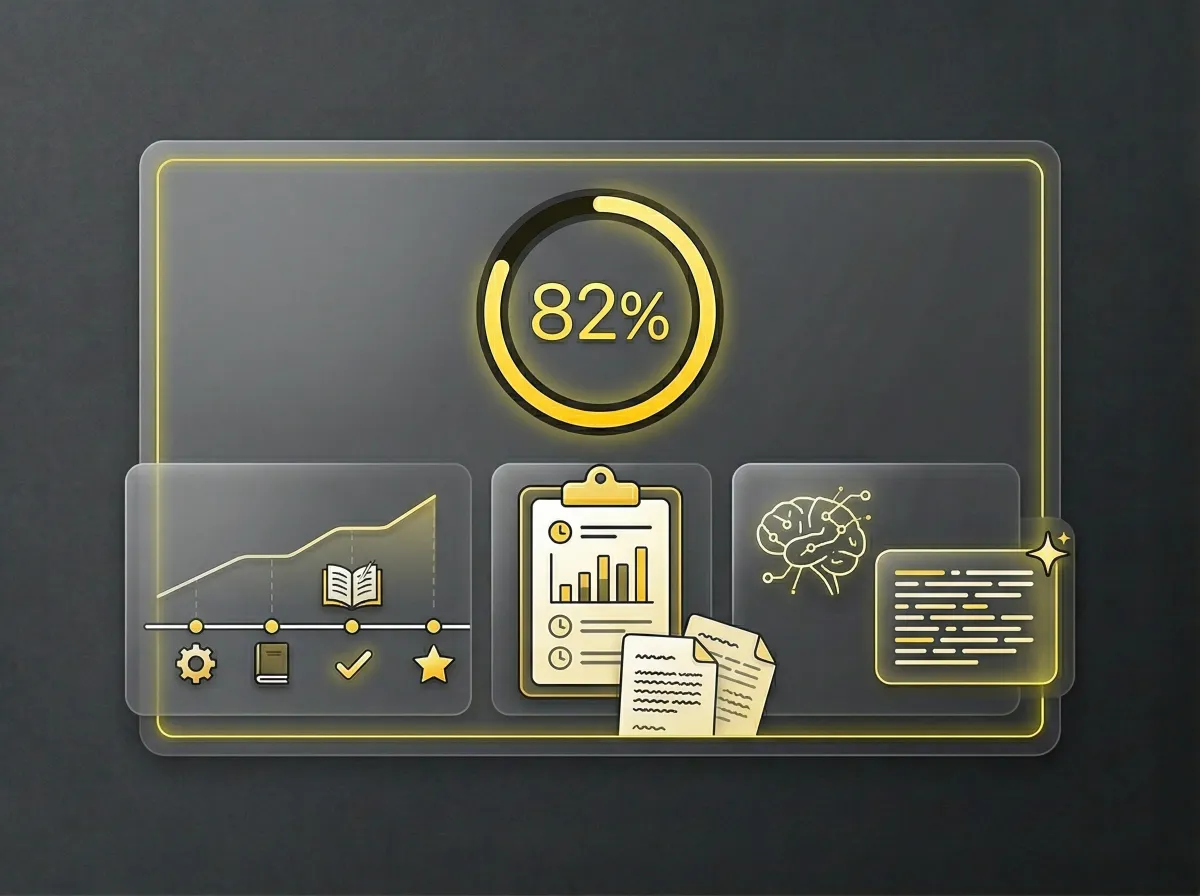
Receive instant grading and concise AI explanations. Master difficult topics through targeted analysis of your specific weak areas.
Save your progress and access detailed past reports. Use AI-generated summaries to monitor your learning journey and growth.
This online quiz maker is a lifesaver. I just upload my study guides using the PDF to quiz tool, and it instantly creates relevant questions. The multiple choice question generator creates tricky, plausible distractors that actually challenge my students. It saves me hours every week!
I paste links straight into this online quiz generator and get a practice test directly from the video transcripts. Testing myself immediately after watching has massively boosted my memory retention. Best study hack ever.
Creating assessments for compliance manuals used to be tedious. Now, I use the quiz maker from text to scan our company SOPs. It acts as a flawless test generator, ensuring employees actually understand the policies.
I'm studying for the IELTS, and finding fresh reading practice is hard. I just paste news URLs into this and it builds a custom reading comprehension test in seconds. The ability makes my language self-studying completely free and dynamic!
What sets this online quiz maker apart is the actual testing experience. It doesn't show immediate right/wrong feedback during the quiz, which perfectly mimics a real exam environment. My students take the test, and we review the AI's detailed report afterward.
Prepping for my Google Ads certification was overwhelming. I dumped all my rough, unorganized notes into the quiz maker. It accurately identified key marketing concepts and built a rigorous quiz. It's perfect for busy professionals needing a quick knowledge check before taking expensive exams.
Turn your messy lecture notes and textbooks into a rigorous exam environment. Tackle AI-generated questions, get instant grading, and unlock deep insights to crush your next big test.
You can generate questions from a variety of sources in this AI quiz creator. You can upload documents in PDF, TXT, or DOCX formats, or paste text directly into the tool. Additionally, you can paste a YouTube link to extract subtitles or a webpage URL to pull the main article text for your quiz.
Yes, the tool offers a free version. If you use it as an anonymous guest, you can generate up to 5 quizzes per day and receive basic answer explanations. By creating a free account, you unlock unlimited generation attempts, comprehensive AI explanations, and access to the AI Chat for follow-up questions.
Our AI quiz maker is designed to be highly precise by directly analyzing the specific text, files, or video transcripts you provide. While it excels at capturing key facts and context, we always recommend a quick review of the generated questions to ensure they perfectly align with your specific study or testing goals.
Once you upload a document or paste a link, the AI scans the content to identify core concepts and essential details. It then uses advanced language models to draft multiple-choice questions and plausible answers, ensuring the resulting quiz is both relevant and challenging based solely on your source material.
After submitting your quiz, you'll get a report detailing your score and highlighting your strengths and weaknesses. For any incorrect answers, the AI provides a concise explanation to help you understand the correct concept. Logged-in users can also use the side AI Chat to ask further questions about the report.
Yes, but you need to be logged into an account to access this feature. Registered users have a dedicated history section where they can view past quizzes, check their scores, and see the AI-generated titles for each session. If you are using the tool anonymously, your history will not be saved.